Access your favorite LokLok content safely on iOS by downloading the official KuuTV application from the App Store.
To comply with Apple's strict App Store guidelines and provide the most stable experience for iOS users, the LokLok development team has released the iOS version under the name "KuuTV". It features the exact same content library, personalized AI recommendations, and chat features that you love.
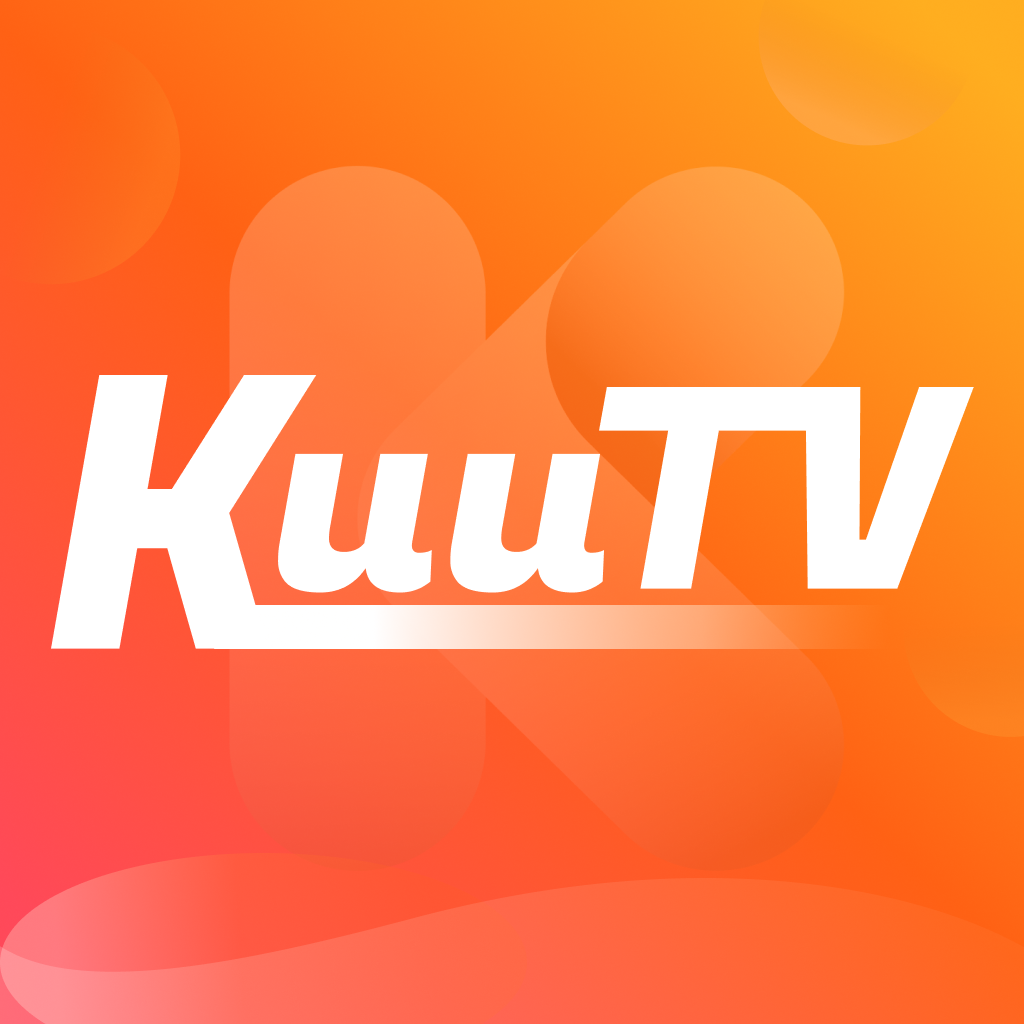
Make sure you download the correct KuuTV app by verifying the app icon.
Unlock your iPhone or iPad and open the official Apple App Store application.
Tap on the search tab (magnifying glass) at the bottom right corner and type "KuuTV" into the search bar.
Locate the app with the blue icon (as shown above). Tap the "Get" button and authenticate with Face ID, Touch ID, or your Apple ID password to start the installation.
Once installed, open the KuuTV app. You can log in with your existing LokLok credentials, and all your watch history and saved dramas will be synchronized seamlessly.
